Today, Adobe has announced a completely redesigned and reimagined way to make selective adjustments in Adobe Camera Raw, Adobe Lightroom, and Lightroom Classic that they now collectively refer to as ‘masking’. These new masking tools will become available on October 26th, and offer an extremely powerful and quick way to create masks. This is probably the most exciting and innovative addition to Lightroom we have seen since the addition of local corrections. Watch the preview below.
Packing for Finland Workshop 2021
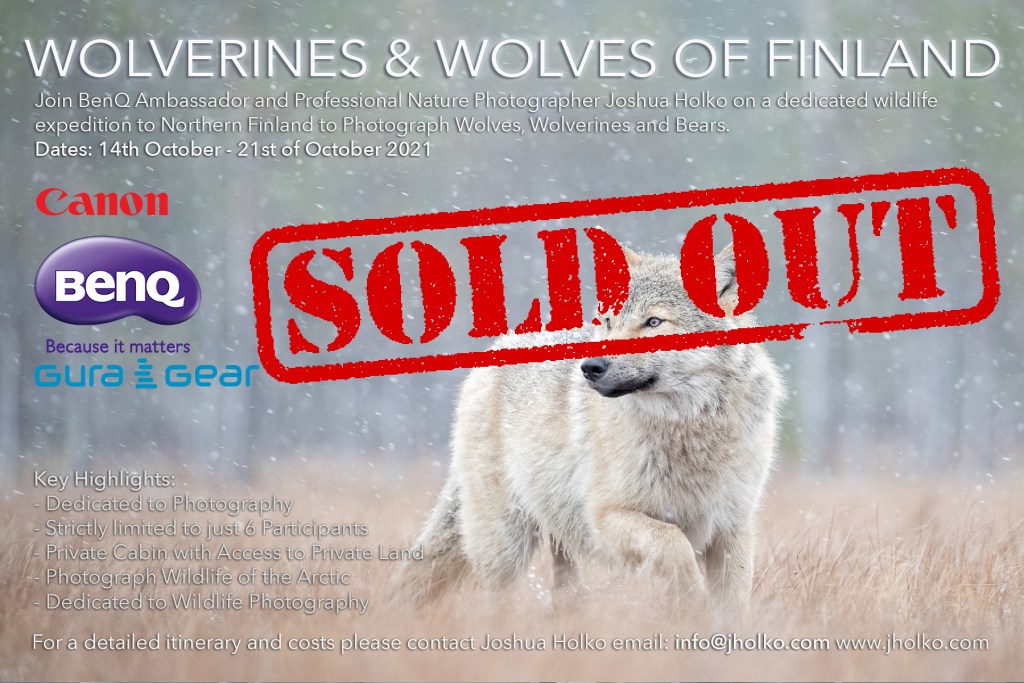
In a little under a week from now I will be breaking out of the prison of Australia and making my way north to Finland for my October workshop for Wolves and Wolverines (if all goes according to plan!) After more than 18 months stuck here in Australia it is truly very exciting to be leaving for the wilds of northern Finland. At this point, it doesn’t feel real, and it probably wont until I board the plane. And honestly, there are still a lot of moving pieces that could see this entire trip fall over before I make for the airport. Nevertheless, my thoughts have been turning to packing and preparing for travel.
Checked Luggage: Historically, I am often doing back-to-back trips when guiding, and leading workshops and expeditions and often travel with two large North Face duffels for my checked luggage to accommodate all the different clothing and equipment I may need for the different trips. In this instance, I will only be leading the one extended trip to Finland, and as such am trying to keep myself to just one bag to make it easier to navigate the travel sectors of this trip. Although two duffels provide a lot of packing room, it is also a real pain to move around airports and hotels.
One of the primary reasons I have been using two duffels for travel is to pack a camera backpack inside one of the duffels for use on location. I long ago grew tired of schlepping heavy backpacks full of camera gear through airports and shifted to a roller bag for this purpose. The downside to a roller is once on location, they are not very practical for most workshops and expeditions, and as such, I would typically re-pack into a backpack. The big downside to this approach is the requirement to pack a backpack in my checked luggage – which takes a lot of space. For this trip I am testing the SKB / Think Tank solution.
Clothing: At this time of year, the temperature will be dropping fast in northern Finland as winter is rapidly approaching. Average temperatures are likely to hover around 0º Celsius and drop far lower in the evenings. As almost all of the photography on this Workshop will be done from hides, it is essential to pack warm clothing as we will be sitting inactive for long hours at a time. As such, I like to pack for a full winter trip with down jackets and pants and then layer with mid-layers. I can then easily remove an outer jacket if I become too warm.
Camera Equipment: As this Workshop is primarily about wildlife, I will be taking both my Canon EOS 1DX MK3 cameras along with a selection of lenses, including EF 16-35mm f4L IS, EF 24-70 f4L IS, EF 70-200mm f2.8L IS MK3 and 600mm f4L IS MK3 with a 1.4TC.
What about the Canon EOS R3?: Unfortunately, Canon will not be able to supply me with a new EOS R3 for testing before I leave for Finland on the 3rd of October. Hopefully, on my return to Australia in November, I will pick one up for testing in Mongolia later this year.
Returning to Workshop Leading: To get into the ‘rhythm of the landscape’ and provide the best possible opportunities for all participants, I will be arriving in Finland more than a full week before we are scheduled to commence. This will give me ample time to get into ‘the groove’, pre-scout the various hides, and ascertain where the most activity occurs. With more than a dozen hides scattered across the border of Finland and Russia, it takes a little time to find out where the most action is. This investment in time means we can hit the ground running at full speed when our Workshop officially kicks off on the 14th of October.
Canon EOS R3 Interactive Brochure
While wildlife and sports photographers worldwide wait for Canon to deliver its new ‘speed of life’ mirrorless EOS R3 they can enjoy the new interactive brochure on the camera’s features. Download HERE. Retail price here in Australia is set to be $8,500 MSRP with delivery now stretching to late November.

WNPP Episode #22 Preparing for Finland
I have just published Episode #22 of my Wild Nature Photography Podcast. This episode includes an update on the 5.9 earthquake that rocked Victoria yesterday morning (for those of you living overseas), as well as commentary on the current state of international travel and my packing thoughts for Finland.
WNPP Episode #21 Book Review Unforgettable Photojournalism
I have just published Episode #21 of my Wild Nature Photography Podcast. This episode reviews and discusses the Natural History Museums Wildlife Photographer of the Year Unforgettable Photojournalism book. This is an interesting book and not what I was expecting when I ordered it. It comprises photographic entries into the BBC Wildlife Photographer of the Year that make powerful environmental statements and is not a collection of winning photographs. Overall, I found this to be a solid presentation worth owning if the subject matter appeals to you.