Professional Fine Art Landscape, Nature and Wilderness Photographer based in Melbourne Australia. I run international photography workshops to Antarctica, the Arctic, Iceland and other remote locations. www.jholko.com
Our Wild Nature Photo Travel February 8th-14th expedition next year, 2025, to northern Iceland for Arctic Foxes is now sold out – thank you. We have just one place remaining on our second expedition February 15th-21st. If you have ever wanted to photograph Nature’s greatest feat of engineering – this is the workshop for you.
Those who know me know I always advocate for the highest quality photographic display you can afford. It should be the first purchase you make after a digital camera. A wide-gamut, high-quality, calibrated photographic monitor is the difference between optimally processing your RAW files and standing blindfolded, throwing darts at a board. But what do you do while in the field on a laptop? Or, how do you otherwise make do if you have an Apple Liquid Retina XDR display and have neither the budget nor space for an external display? I should footnote this: If you can afford an Apple Liquid Retina XDR display, you have no excuse not to own a significantly better photographic display such as those from BenQ (Read our Recent review on the new BenQ 4K display).
Jeremy Daalder over at Image Science recently published the best piece I have read to date on optimally calibrating an Apple Liquid Retina XDR Display. If you own an Apple laptop with a Liquid Retina XDR display or one of Apple’s hugely over-priced external displays then you owe it to yourself to take five minutes out of your day, and read his article. This is the first piece I have read on the internet that accurately documents the process for a successful calibration of these displays.
INTRODUCTION
Apple’s newest XDR Liquid Retina displays, such as is seen inside the new 14” and 16” MacBook Pro (and the XDR Pro Display) are a completely different ball game when it comes to calibration. The new XDR Liquid Retina displays (hereafter referred to as XDR displays) are different than their predecessors in that they employ a full array local dimming miniLED backlight. The issues at play here are essentially two-fold. Because of Apple’s decision to implement:
A miniLED backlight (which older calibrators just weren’t designed to calibrate), and
the forced usage of Reference Modes (both their clunky implementation of them and specifically the inability to NOT use them)…
…both the required calibration technologies and the process for calibrating them is completely different to ALL older Apple displays (including all older external displays, any iMacs, any Intel-based Laptops, any Macbook Air’s, and even the newer Apple Silicon based 13” and 15” MacBook Pros).
The photograph of the month for December 2024 (and the last for the 2024 year!) comes from my recent expedition to the world’s most southerly Emperor Penguin colony at Gould Bay in the Weddell Sea region of Antarctica (Trip report coming soon). This was from what I felt was our best day on the sea ice with soft overcast light conditions and gently falling snow. In these conditions, it isn’t hard to make good photographs when you have such stunning subjects in front of you. In this instance, it was just about waiting for the tender moment when the adult bent down to better shelter its small chick; which was huddling close for warmth.
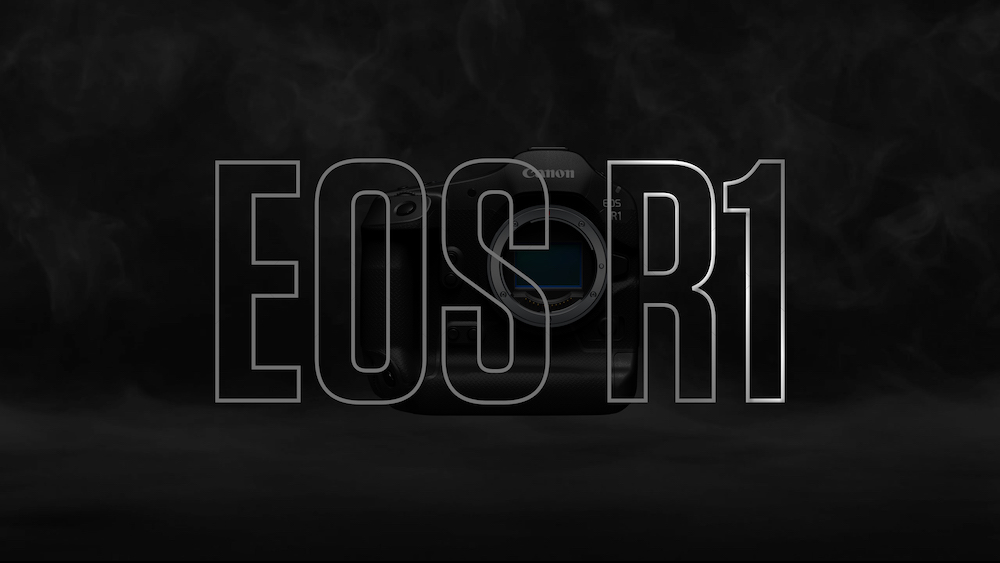
Canon has released new firmware for the EOS R1. The firmware is primarily bug fixes. New features are not expected before Q1 2025 at the earliest. Personally, I want the ability to assign pre-capture to one of the multi-function buttons (hopefully early next year). Update includes:
The Wi-Fi connection status is now identifiable by the colour of the [FTP Transfer Icon].
Adds [Protect Images] and [Rating] during FTP Transfer.
Adds the ability to change [Custom Shooting Mode] while writing images to the media (BUSY).
Fixes an issue in which the camera may become inoperable if a lens that does not communicate with the camera is attached when repeatedly shooting while using HDMI output.
Fixes an issue in which the camera may become inoperable if an image is cropped while other images are being transferred to an FTP server.
Fixes an issue in which Err70 may occur when using an application software such as Camera Connect, and the load on the smartphone increases.
Fixes an issue in which image stabilization may become unstable in movie mode when panning diagonally while using some stabilization rigs (such as monopod or handheld rigs).
Fixes an issue in which all images may not be copied when copying multiple selected images in the camera.
Fixes an issue in which another manufacturer devices (such as strobe or remote camera trigger) may work during pre-continuous shooting.
Fixes an issue that may, immediately after shooting, cause the screen to take a long time to turn off when using a button that has been assigned the “Screen off” function.
Fixes an issue in which Look File settings may apply to multiple custom picture files.
Fixes an issue in which the AF frame movement may not be smooth when several shooting information items are displayed and the multi-controller is operated.
Implements a fix to include custom pictures when saving camera settings.
Improves operation stability during network communication.
The World Photographic Cup (the Olympics of Photography) has just announced its country selections for 2025. I am very proud to have been included again in Team Australia. In previous years I was fortunate to take out the Silver medal in the Nature category with my photograph of an Emperor Penguin family. For 2025, my photograph of back-lit playing Cheetahs will represent team Australia in the Nature category. This will be my fifth time representing Australia.




 www.WILDNATUREPHOTOTRAVEL.com