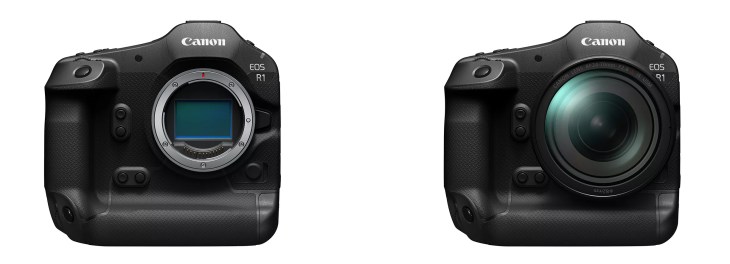
Canon EOS R1 Firmware Update V1.3.0 May 2026

Canon has updated the firmware for the Canon EOS R1 today. The big news is that this update lets you bind pre-capture to a custom button! Thank you, Canon! The equally big news is that Canon has expanded on its Action Priority capability. This is huge news for the future of this incredible feature. This firmware update includes the following:

Firmware Ver1.3.0 incorporates the following fixes and enhancements:

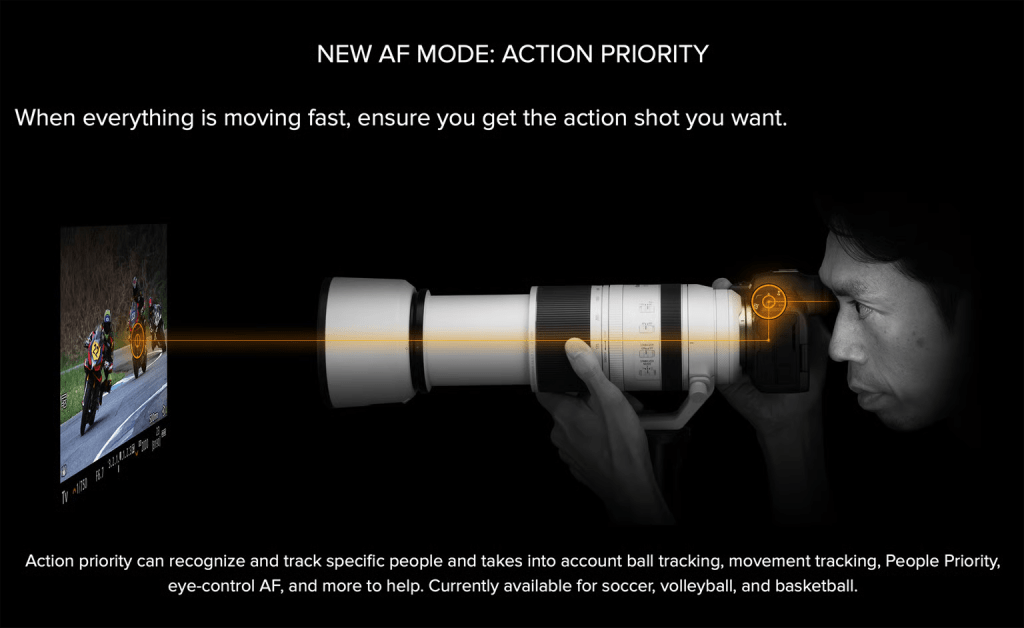
1. Adds [American Football] in [Action Priority] to optimise human subject detection for individuals wearing helmets and shoulder pads.
 *For an overview and instructions on using [Action Priority], please refer to the Instruction Manual or the AF Settings Guide.

2. Improves tracking and detection performance for [Register people priority] in challenging conditions—including profile views, blurred or partially obscured faces, small subjects in the frame, and children—even when the feature is set to [Off].
 *Performing a firmware update will delete registered data stored in the camera. If necessary, save the data in advance using [Save/load registered data on card], and reload it after the firmware update. For details, please refer to the Instruction Manual.

3. Adds [Wi‑Fi freq. band] to [Communication Settings], allowing the user to select the 5 GHz or 2.4 G Hz band when transferring from Bluetooth to Wi-Fi.

4. Adds [No. of connections] to [FTP transfer settings], allowing the user to select the number of transfer threads for [FTP transfer].

5. Adds the ability to store up to four [Color temp] values in [White balance setting] and to assign [Switch color temperature] to [Customize buttons for shooting].

6. Adds the ability to set [False Color Settings] to [On] when [HDR/C.Log View Assist] is selected.

7. Adds the ability to assign [Pre‑continuous Shooting] to [Customize buttons for shooting].

8. Adds the ability to transfer AF-related settings between cameras of the same model by adding [Save to card] and [Load from card] to [Register/recall AF‑related settings].

9. Adds the ability to display the electronic level during movie recording.

10. Adds the option for grid display during movie recording.

11. Adds the ability to display playback screens and menu screens when outputting to two screens via [HDMI Display During Connection].

12. Adds the ability to switch the group settings of a receiver camera from the sender camera when using the EOS Multi-Remote app.

13. Adds the [Night Display Mode] menu option

14. Fixes an issue that may cause Err70 to be displayed in live view when the user captured a multiple-exposure shot in a dark environment.

15. Fixes an issue that may cause Err49 to be displayed repeatedly during communication with an SFTP server.

16. Fixes an issue that may impact the camera’s shooting ability if the auto power-off function is activated during interval timer shooting.

17. Fixes an issue that may cause the camera to restart when the shutter button is pressed while deleting images.

18. Fixes an issue that may cause the camera to not be recognised when connected to a smartphone via USB.

19. Improves other system stability.

If the camera’s firmware is already Ver1.3.0, it is not necessary to update the firmware.

The User Manual on the website has been updated accordingly.

Q&A Section:
Preparations for the firmware update:
In the folder you downloaded are the firmware (EOSR1130.FIR / file size: 270942208 bytes) and instructions on the firmware update procedures (a PDF file in five languages: Japanese, English, French, Spanish, and Simplified Chinese). Before starting the firmware update operations, please be sure to carefully review the instructions to confirm your understanding of the firmware update procedures.

Firmware download link:
https://www.canon.com.au/cameras/eos-r1/support?option=drivers

Shooting in Heavy Snow with the Canon EOS R1 Solution April 2026

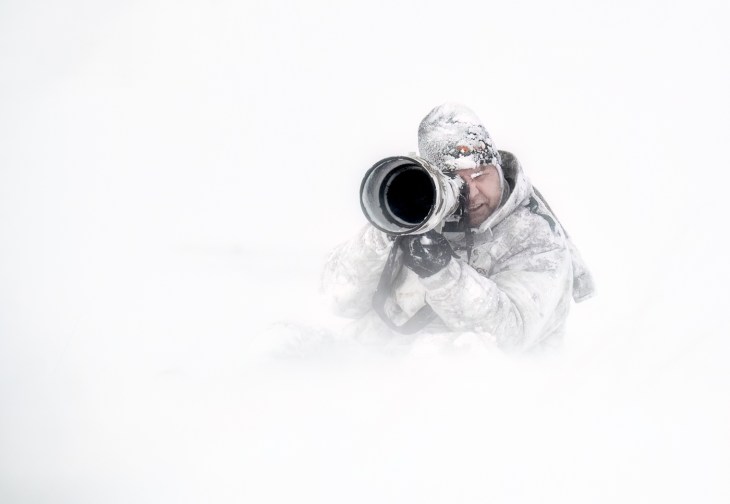
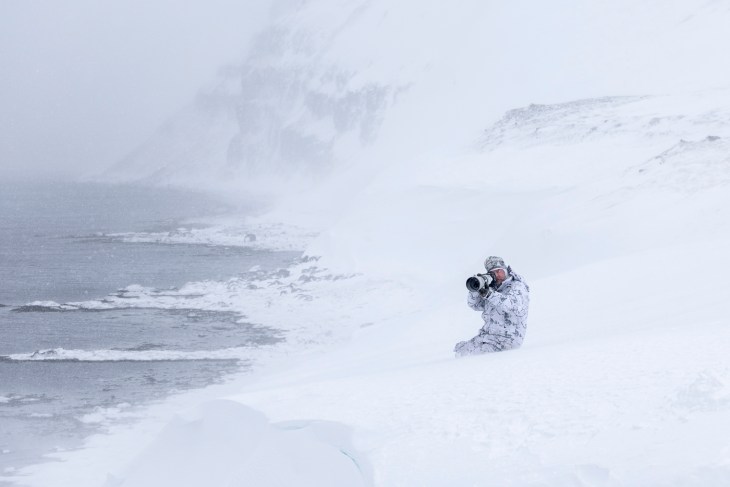
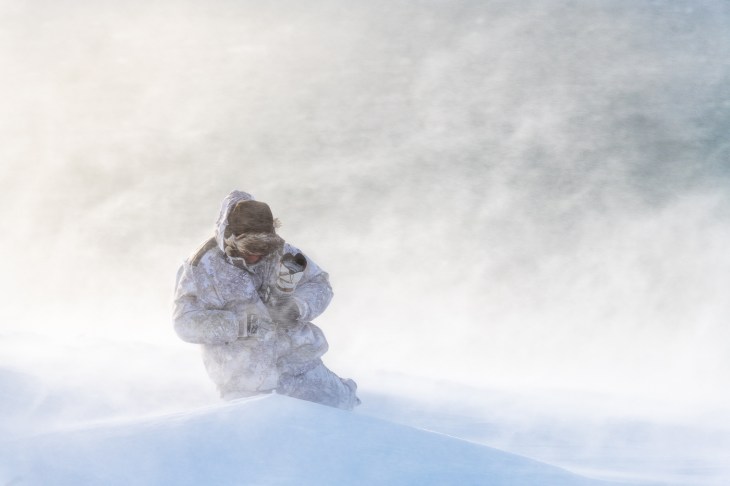
The Problem: In recent times, I have both recorded podcasts and blogged about the ongoing difficulties of photographing in heavy snowfall with mirrorless cameras. Mirrorless cameras (regardless of brand) have a tendency to move between the falling snow and the subject, with an inability to lock onto the subject without distraction. This can be incredibly frustrating as the focus bounces between the subject and falling snowflakes, resulting in missed shots. As a polar photographer who frequently shoots in snowfall, I have been continually frustrated by this phenomenon and have witnessed it among other photographers using everything from Canon and Nikon to Sony mirrorless cameras.

The Technology: In Canon cameras, the EOS 1DX MK3 was the king at ignoring falling snow and staying on target. Mirrorless cameras such as the EOS R1 are a different beast, though, and use different AF technologies (phase detect) that are highly tuned by manufacturers to be as sensitive as possible. This results in better AF performance overall. But it also means the focus points are more likely to latch onto extraneous objects or subjects, such as falling snow.

The Customisation: I have tried tweaking the various autofocus settings in both the Canon EOS R1 and EOS R3 to ignore falling snow, with only mixed results. In the EOS R1, there are three AF adjustment options: Auto, Manual, and Special. Most of the time, I just leave the AF set to Auto, and it does a superb job. I have played extensively with the Manual setting in falling snow and tried all the different combinations for sensitivity and tracking, with nothing but mixed results and no combination that reliably ignores falling snow.

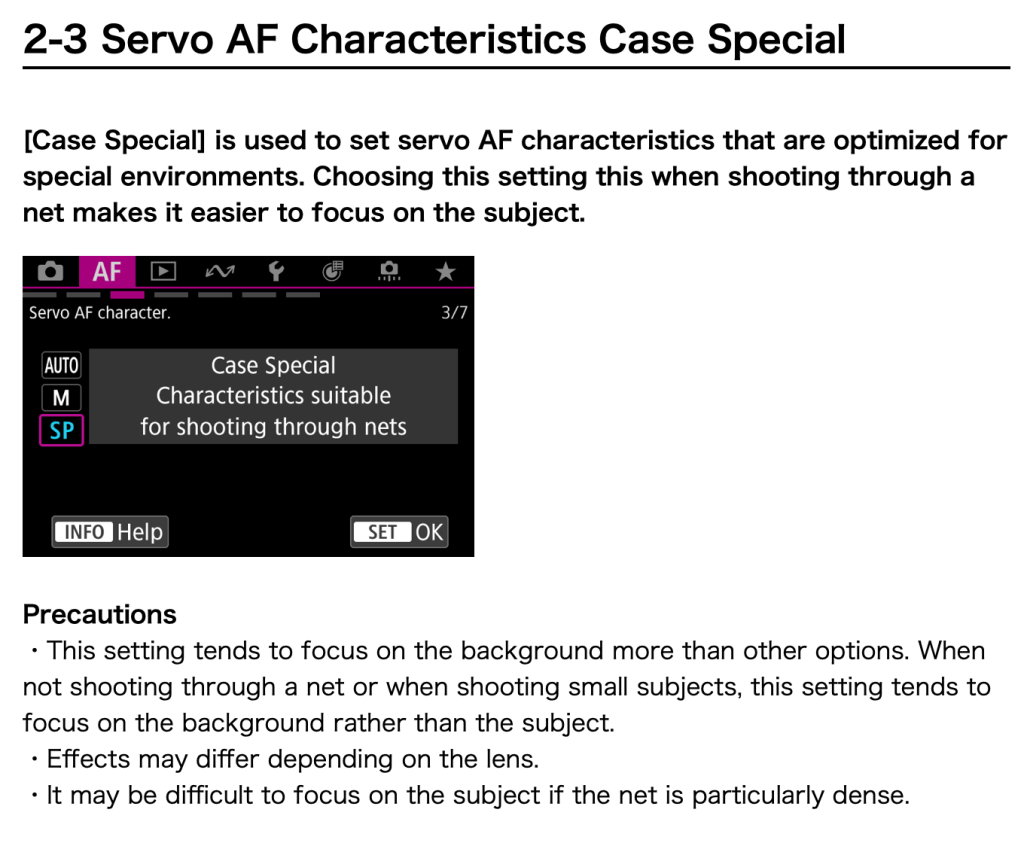
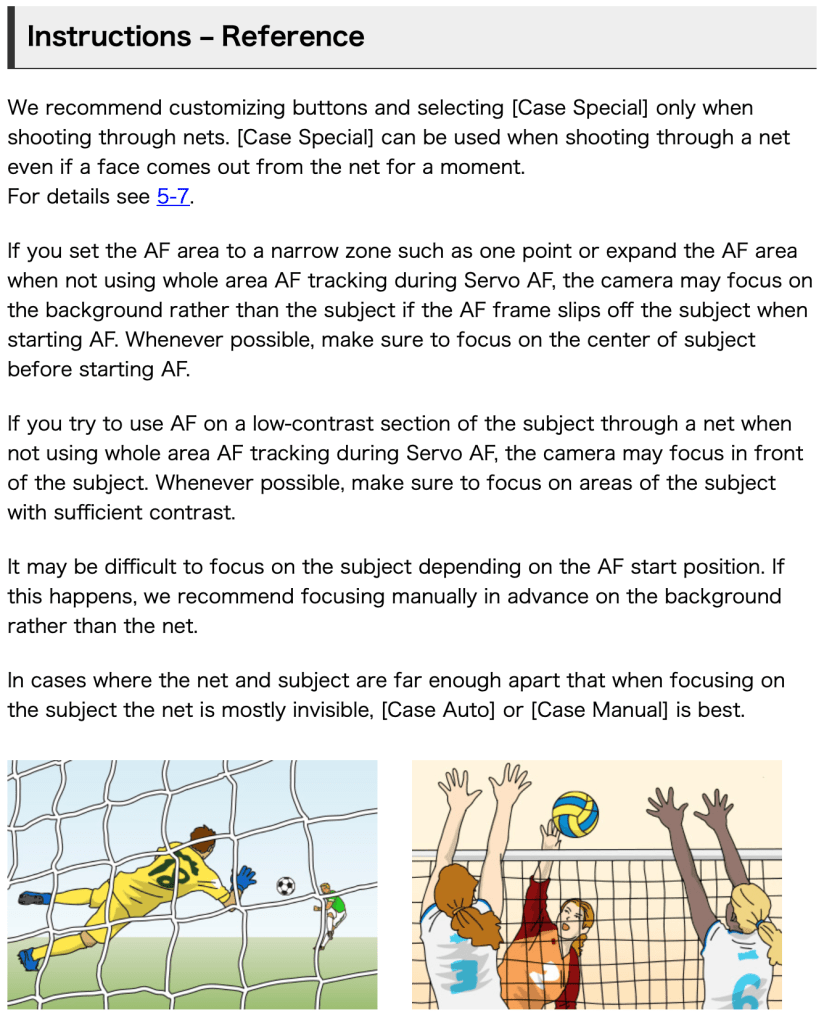
The Solution: During my recent Svalbard ship expedition, I had a bit of a light bulb aha! moment one evening when I was unable to sleep. Laying in bed and pondering the problem (my head is obviously a scary place to be) What about the Special setting? The Special setting is designed specifically for sports photographers shooting through Soccer nets behind the goal, and it had never occurred to me to even try this in falling snow. But the more I pondered it, the more I realised there are a lot of similarities, as both situations require the photographer to shoot ‘through’ something. The following morning, I jumped online and read up on the Special setting in the Canon Auto Focus Guide found HERE.

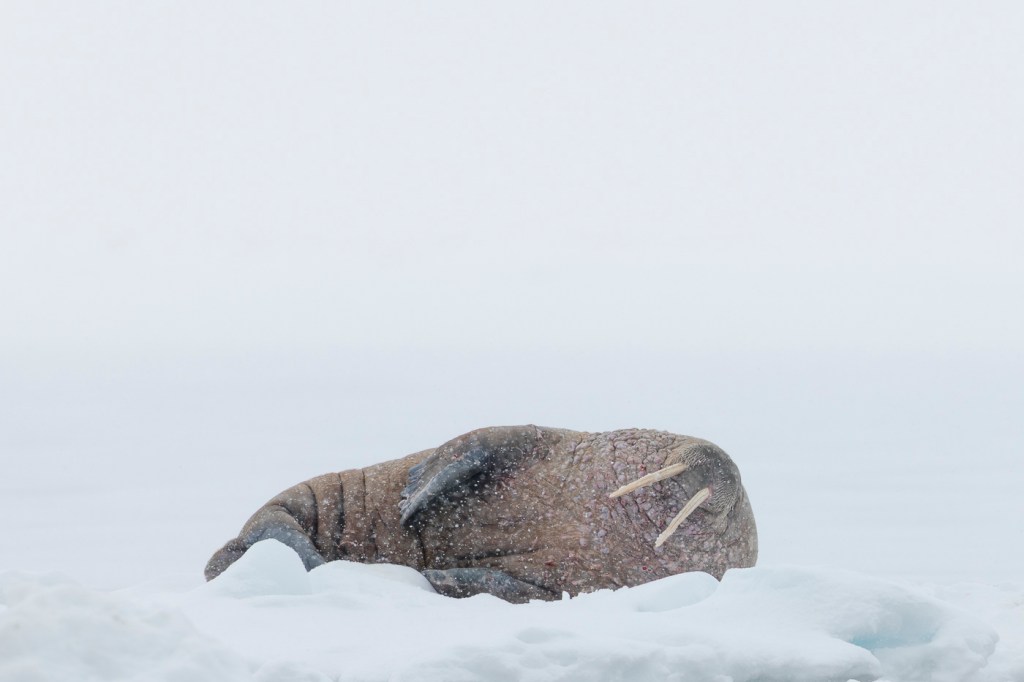
The Special Setting: There is some key wording above that reads: “This setting tends to focus on the background more than other options.” This made me super curious and eager to try how the Special setting performed when photographing wildlife in heavy snow. Fortuitously, a couple of days later, I got my chance and switched my EOS R1 to the Special setting with the RF 600mm f4L IS USM lens and an RF 1.4TC when photographing Walrus in heavy snowfall.

The Results: Fully expecting to encounter the exact same problem of the focus bouncing between the subject and falling snow, I was absolutely ecstatic when the EOS R1 locked onto the Walrus and remained locked on – completely ignoring the falling snow! Over the next ten minutes, I took over 300 photographs of the Walrus, losing focus only when the subject became obscured by ice. Using such a long combination of focal length of the 600mm F4 with the 1.4 TC (effective focal length 840mm) ensured that there was a lot of falling snow between the camera and subject making this an ideal test.

Further Testing Required: The above is an isolated example; further field testing is required to ensure ongoing, predictable, and repeatable results. However, the initial results from using the Special case setting in heavy snowfall are extremely encouraging and give me real hope that this may be the ideal solution for snowfall situations. Unfortunately, I am now headed back to Australia for three months and will not have an opportunity to shoot in the snow until later in the year. If you are shooting an EOS R1 and have a chance to test this yourself in snowfall, please let me know how you find the Special case performs. There may be a strong case for Canon to change the wording of this to “Case Special”. Characteristics suitable for shooting through Nets and Snow.

Author: Joshua Holko

Dynamic Range is Just Not That Important March 2026

It is not very often I share a third-party video, but this one from David Bergman (for Adorama TV) on why Dynamic Range is not nearly as important as most people think just hits the nail on the head. Ask yourself, when was the last time you saw a really great photograph with 12 or more stops of dynamic range? The answer is you probably haven’t, and the reason is that most great photographs actually have quite a limited dynamic range because they are taken in soft light. Just as an aside, I have long said that we should not measure cameras by their dynamic range but instead by their ISO performance (signal-to-noise ratio).

Contrary to some beliefs, dynamic range and signal-to-noise ratio are not the same, although both measure camera performance in decibels and are closely related. Dynamic range is the ratio between the maximum signal a sensor can handle and its lowest detectable signal (noise floor), while signal-to-noise measures signal quality at any given specific intensity.

In layman’s terms, dynamic range measures the span between the brightest highlights and darkest shadows a camera can capture in a single exposure without losing detail (clipping). In effect, it defines the camera’s ability to handle high-contrast scenes. The signal-to-noise ratio measures the ratio of signal strength to noise at a specific brightness level. SNR is highest at full-scale output and decreases in lower light.

There are some important key differences between the two. Dynamic Range describes the range of intensity, while Signal to noise describes the quality of the signal at one point. A camera with a high dynamic range may still have poor signal-to-noise if the noise floor is high or high SNR with low dynamic range.

What I Would Like To See Next from Canon 2026

We are well into the first quarter of 2026, and to date I have been in Australia, Mongolia (for Pallas Cat and Snow Leopard), the UAE (United Arab Emirates for the incredible Xposure festival), Colombia (for Birds), and Iceland (for two Arctic Fox trips and a private landscape trip) and in a couple of weeks I will be in Svalbard, north of Norway for both a private Snow Scooter trip and a 10-day boat charter. That’s six countries in just three months, more than 60,000 RAW captures with my two Canon EOS R1s, and a lot of time in airports in transit around the world. And that got me thinking… With all the photography I have already done this year, what do I want to see next from Canon?

Pre-Capture: First and foremost, I want a firmware update to bind pre-capture to a single custom button on the EOSR1. I wrote extensively about this feature request recently HERE, so I won’t belabour the point further. I have subsequently written to Canon Australia and am hopeful we will see this feature via firmware soon. I feel somewhat blessed that we at least have RAW pre-capture, and are not limited to jpeg, as is currently the case with Nikon. As an aside, Sony already allows pre-capture binding (as does the Canon EOS R6 MK3).

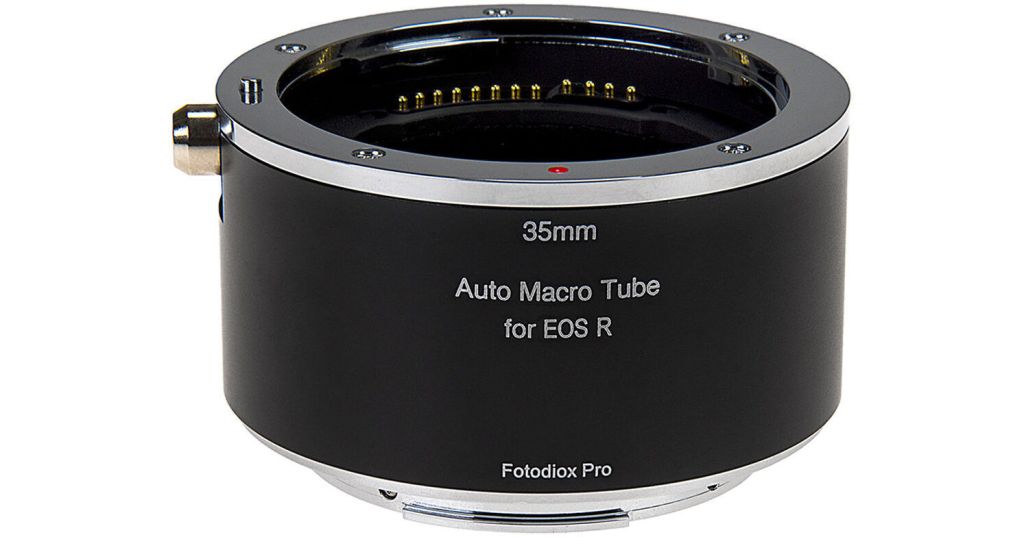
RF Extension Tubes: Currently, the RF lens lineup has some gaps that I would very much like to see Canon fill. These include an RF extension tube or a series of tubes. Canon used to make EF extension tubes, and these are extremely useful for closing the close focus distance on subjects in the field. I still own an EF extension tube, but unfortunately, these cannot be adapted to RF glass. There are a number of aftermarket options available, with mixed reviews, but nothing from Canon currently. Extension tubes are most commonly used for Macro work, but they are also a really useful tool for wildlife photographers who want to capture tight headshots of small subjects or small details.

Mega Pixels: 24 is enough for what I do and provides incredible high-ISO performance to boot in the EOS R1. I have no hesitation in shooting the EOS R1 at ISO 12,800 or even ISO 25,600. That said, I would gladly trade more pixels (anything over 24) for even better ISO performance, but I fear we are reaching the limit of physics at this point, and further improvements in ISO performance in the future are likely to be mostly computational. I know others want more pixels for cropping power – I am just not amongst them. If you need more than 24 megapixels, buy an EOS R5 MK2.

Canon Camera Connect App: I would like to see significant improvements in this App that make it more reliable and stable in connection and much faster to use in the field. Currently, connecting to the camera is too slow to be a viable method of camera control for wildlife (most of the time). The app also frustratingly drops its connection on occasion and can be problematic with reconnection. If the application were faster to connect and more reliable, it would turn any smartphone into a fantastic control screen for any Polecam or camera trap system.

Auto Focus: The autofocus in the EOS R1 is the best I have ever used and the camera tracks subjects better than all previous Canon cameras. Its ability to track and stay on the subject’s eye is phenomenal. However, it cannot ‘stay on target’ as well as the EOS 1DX MK2 or MK3 could in heavy snowfall, and has a nasty, annoying habit of grabbing snowflakes in front of the subject. Even tweaking the AF sensitivity settings in the AF menu cannot overcome this issue. This is an issue I have seen repeated on the Nikon Z9 and Sony A1 and A1 MK2 cameras. In general, the AF on these cameras is so ‘tweaked’ and sensitive that falling snow causes continual interference. On my previous 1DX MK3, I could not track the subject’s eye (the camera did not have eye tracking), but I could keep the focus points on the subject, and the camera would successfully ignore falling snow. This could be addressed in firmware with a ‘snow setting’. If we can have a special ‘net’ setting to avoid the net in soccer goals (for photographers shooting from behind the net), we can have a snowfall setting, please, Canon.

Action Priority: Canon has teased us with the initial offering of ‘Action Priority’ for select sports. Further down the line, special focus cases for different wildlife could be a real boon with this technology.

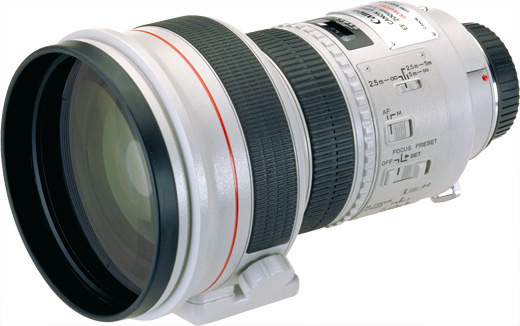
Telephoto Lenses: Over the years, Canon has made both f1.8 and f2.0 EF 200mm lenses. With the RF system, it should be possible (in theory) to make a 200mm lens even faster than f1.8 (or another at f1.8). Such a lens would be the background ‘obliterator’ and an awesome tool in the arsenal of any wildlife photographer whose subject distance can be controlled relatively easily. Penguins, for example, would be the ideal subject for such a lens. Portrait and Wedding photographers would also have strong arguement to employ such a lens. Lenses such as this are highly specialised, but offer creative options not otherwise available. Lenses such as this also tend to be showpieces of what is possible by a manufacturer, but do serve a real functional purpose for creatives.

Super Telephoto Lenses: The much-rumoured 300-600mm RF lens is certainly on my wish list and would complement Canon’s excellent RF 100-300mm F2.8L IS USM lens. I would also love an RF 600mm f4 with a built-in 1.4 or 1.7 teleconverter. The addition of a built-in teleconverter makes a huge difference in the field when you have a subject like a Polar Bear slowly approaching from a distance. Those few seconds saved by flicking in a built-in teleconverter vs having to unscrew the lens and screw in a converter can often mean the difference between getting the shot and missing the best moment. I would also appreciate an 800mm f6.3 DO lens that is small and lightweight for hiking (like Nikon offers), yet still offers incredible reach with a reasonably fast aperture. Such a lens would be fantastic for hard-to-reach targets, such as Snow Leopards or small birds.

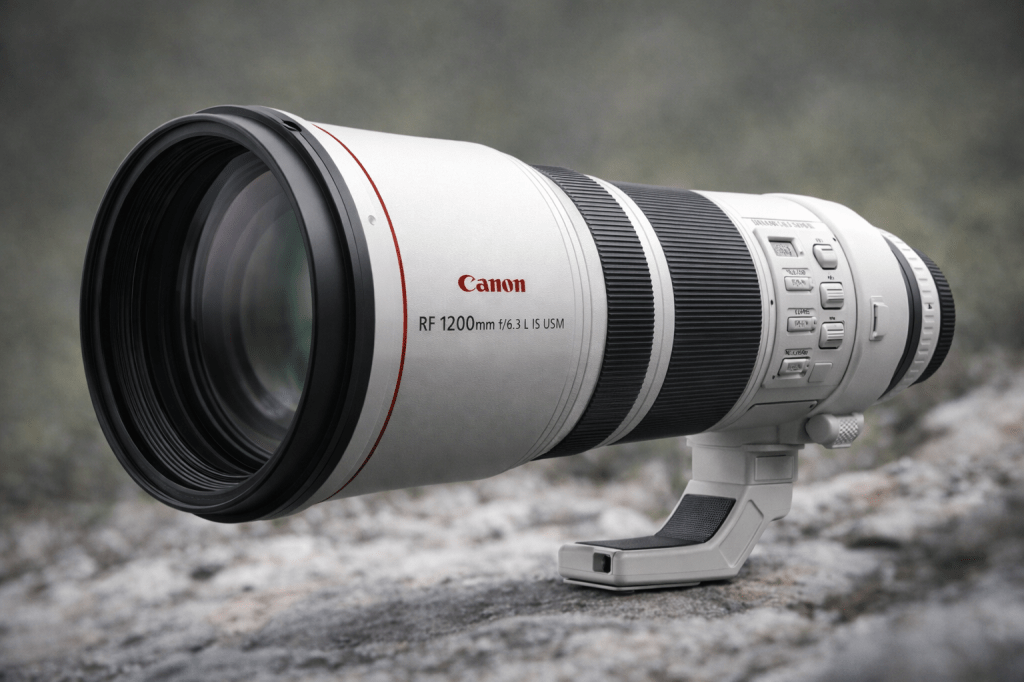
Ridiculous Super Telephoto Lenses: Ok, it’s a long shot Hail Mary, but an RF 1200mm f6.3 or f7.1 (Canon used to make an EF 1200mm f5.6) would be wonderful for bragging rights and really small birds. At this focal length, heat haze and air pollution are a real and present danger, so such a lens would be most useful for small birds and other similarly small critters. I can definitely see a use for this lens from the floating hide. The likelihood of such a lens is extremely low, as it would be very expensive to produce and very few would be sold. But Canon would sell at least one!

Tilt Shift Lenses: Canon has made really excellent EF TSE lenses over the years. The 17mm, 24mm, 50mm, and 90mm are all outstanding. I have owned the 17mm, 24mm and 90mm in recent times. All can be adapted to RF mount with the Canon adapter. RF versions have long been rumoured with talk of auto-focus capability. I am not sure I need an AF TSE lens, but I would really like a 20mm TSE in the RF mount. 20mm is my favourite focal length for wide-angle landscape work, and the addition of tilt and shift adds a lot of creative control.

It is still early in 2026 and Canon has not as yet made all its announcements for the year. With luck, we may see some of the above later this year. Let me know what you would like to see from Canon next?

Author: Joshua Holko

Canon EOS R1 PreCapture Achilles Heel February 2026

I need to get something off my chest about the Canon EOS R1 that’s been at the front of my mind over the last two weeks during my Birds of Colombia workshop. Before I do, I want to clarify that the EOS R1 is the best camera (mirrorless, DSLR or otherwise) that I have ever had the privilege to use. It is an incredible camera across the board, from its industry-leading autofocus to its phenomenally clean high-ISO images. It is a masterpiece and a tool that any photographer worldwide should be happy to use. But! It has an Achilles heel that Canon could fix in a single firmware update. Allow me to explain.

The Canon EOS R1 is Canon’s flagship. The pinnacle. The no-compromise, built-for-professionals, wildlife-and-sports-dominating machine. And yet (inexplicably) the user cannot bind pre-capture to a custom button. Let that sink in for a moment. One of the most powerful features for wildlife and sports photographers, the ability to buffer frames before you fully depress the shutter, cannot be assigned in a way that makes it instantly accessible in the field. For a camera aimed squarely at action professionals, that’s not just an oversight. It’s baffling and makes me seriously question Canon’s ability to listen to the needs of its working pro photographers.

Now here’s the part that irks me and really twists the knife. This ‘binding’ functionality can now be found on the Canon EOS R6 Mark III. A significantly lower-tier body. Not the flagship. Not the no-holds-barred professional tool. Somehow, the R6 Mark III gets the flexibility, while the R1, the supposed apex predator, does not. I genuinely struggle to understand the product logic and thought process here.

For wildlife photographers working in unpredictable environments such as snow leopards cresting a ridge, hummingbirds buzzing past feeders, Pallas’s cats darting between rocks, pre-capture isn’t a gimmick. It’s the difference between getting the shot and going home empty. And the same applies to sports photographers looking to capture the decisive moment. Pre-capture needs to be instantly deployable. It needs to be muscle memory. I don’t want to dig through menus or compromise another critical control to access it. I want it bound to a custom button so I can toggle it seamlessly as conditions change. And yes, I know I can assign it to a custom shooting mode (which is my current workaround), but that isn’t a perfect solution suitable for a flagship product.

In high-end fieldwork, ergonomics and customisation aren’t luxuries; they are essential workflow elements. When you’re wearing gloves in sub-zero conditions or reacting to split-second behaviour, you don’t have time for pause or friction. The whole point of a flagship body is to remove friction. To anticipate professional needs. To give us more control, not less.

What makes this especially frustrating is that the hardware is clearly capable. This is not a limitation of processing power or buffer depth. It’s firmware. It’s menu logic and its exclusion is a design decision. And when a mid-tier body receives that flexibility while the flagship does not, it raises uncomfortable questions about segmentation strategy versus user experience. It raises eyebrows that Canon might be deliberately holding this capability back to sell us a MK2 camera in the near future.

Canon builds incredible cameras. I’ve trusted them for decades in some of the harshest environments on Earth. The R1 is, without any doubt, a phenomenal tool. But choices like this undermine confidence. Professionals, like myself, invest heavily, not just financially, but in muscle memory, system familiarity, and long-term ecosystem loyalty. When basic functional customisation is arbitrarily limited, it feels like we’re being managed instead of supported.

This isn’t about spec sheets or marketing hype. It’s about real-world use. It’s about being on a windswept ridge with a once-in-a-lifetime moment unfolding and knowing your camera is working with you and not against you. In the final home stretch of two weeks of intense bird photography here in Colombia, this issue has come to the front of my mind consistently during the days in the field.

Canon, if you’re listening: This is a firmware fix. Give R1 users the ability to bind pre-capture to a custom button. The capability clearly exists within the system. Professionals shouldn’t have fewer ergonomic options than mid-tier bodies. Flagship should mean freedom.

Author: Joshua Holko www.jholko.com