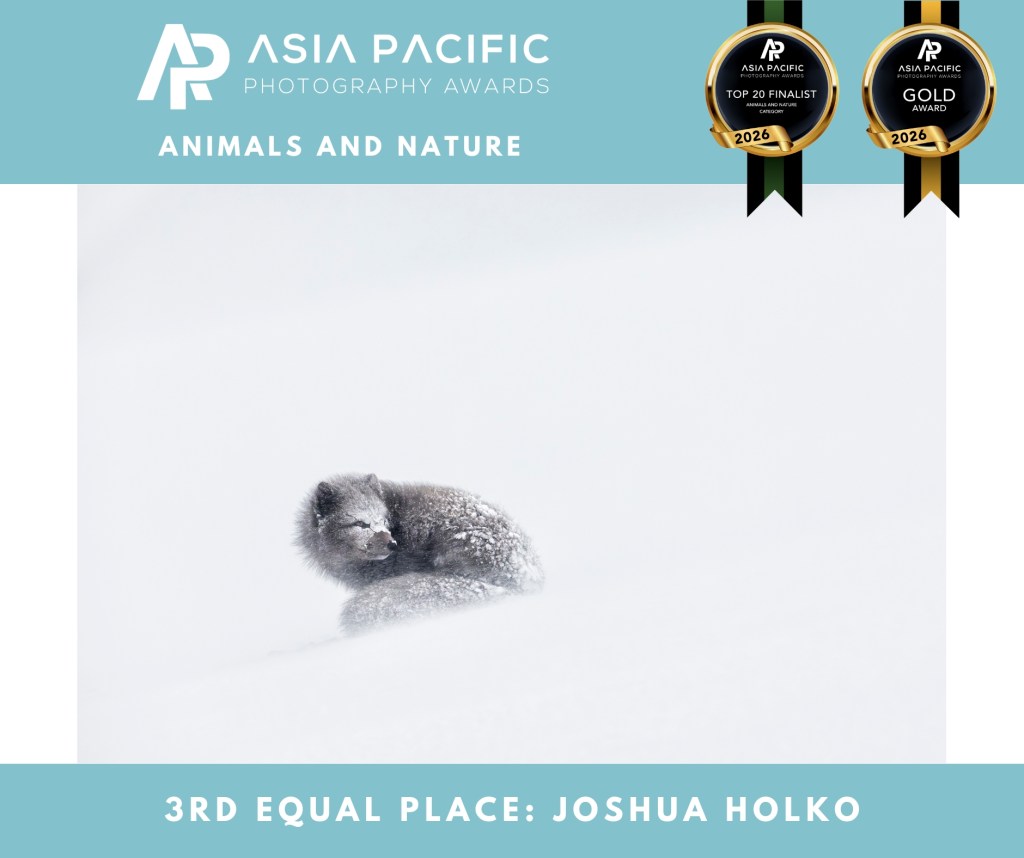
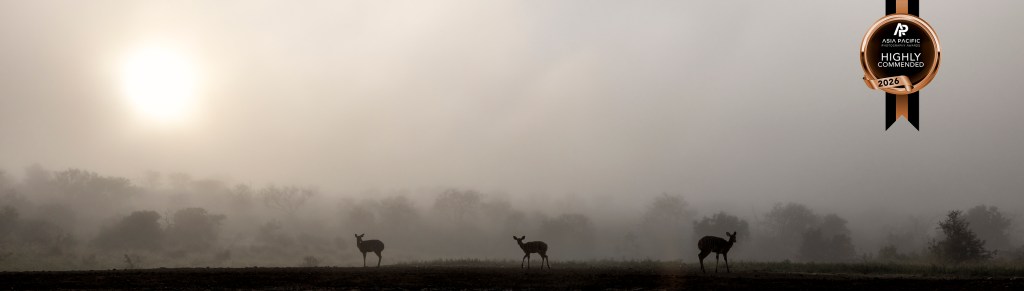
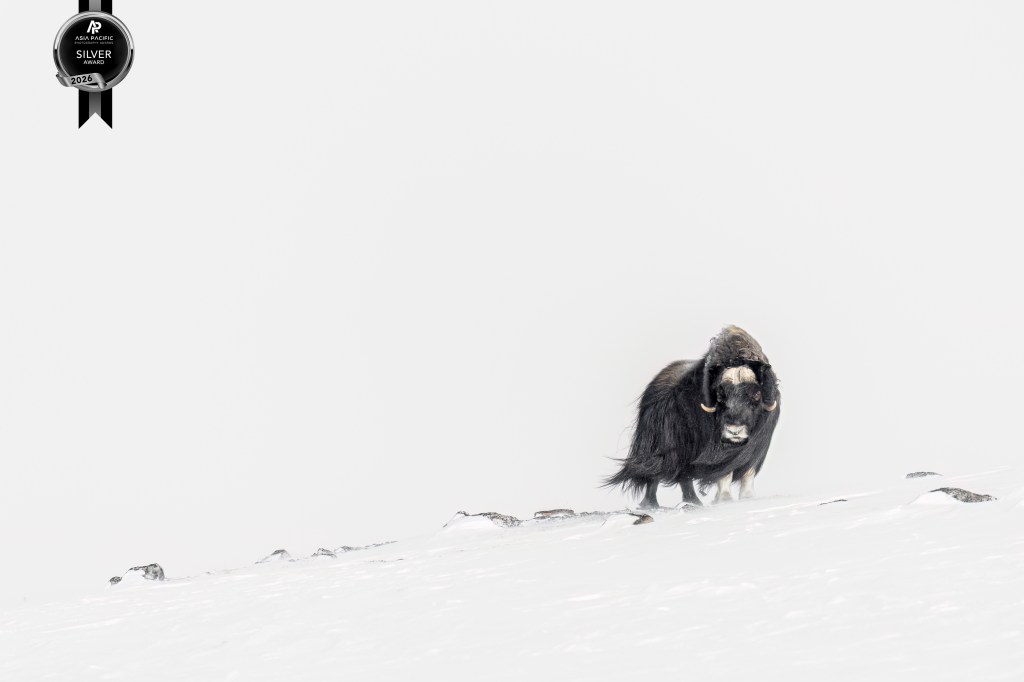
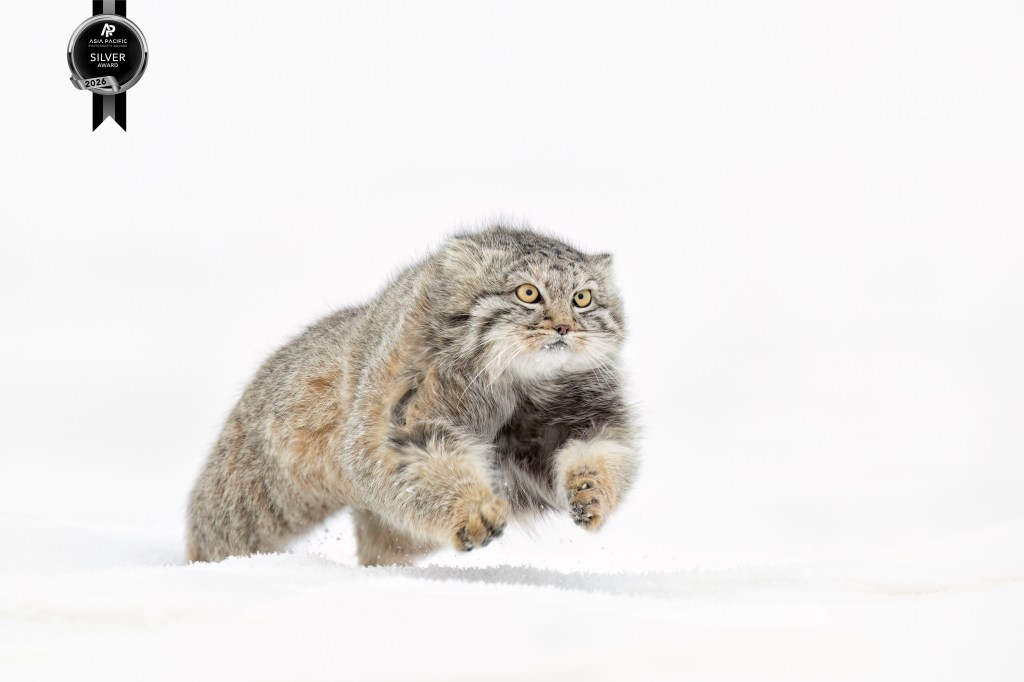
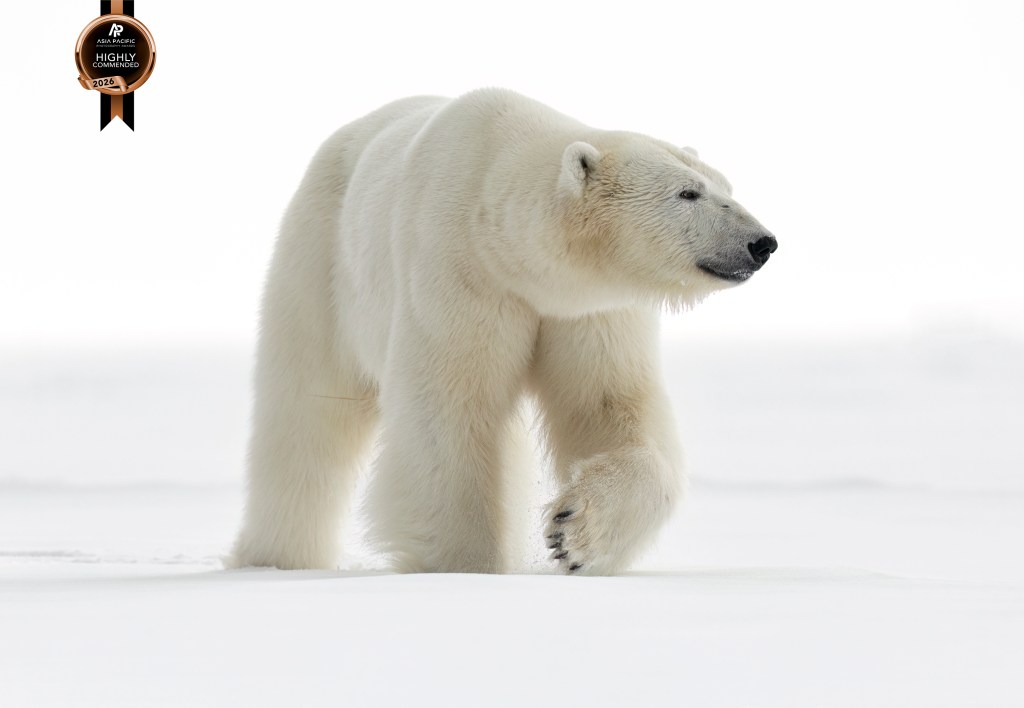
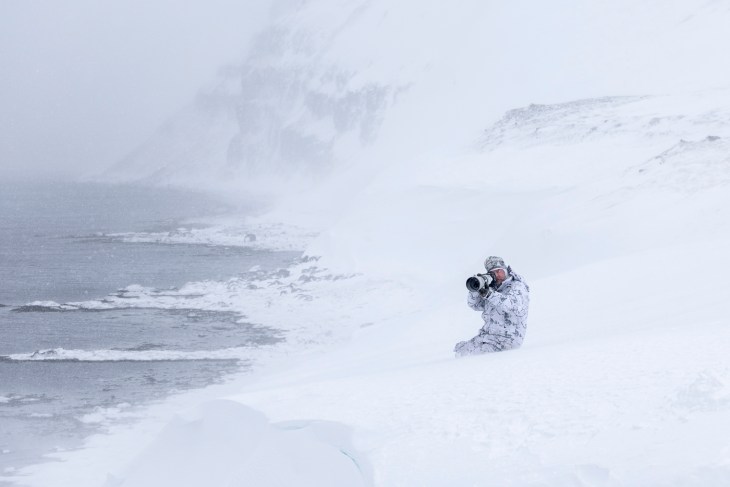
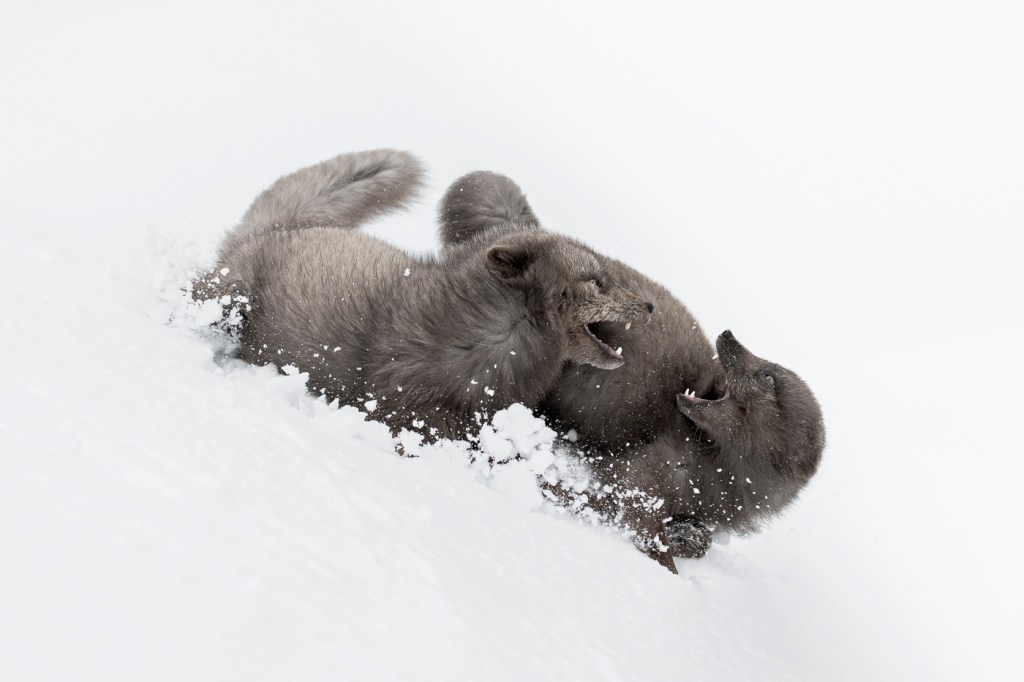
Lately, I have been pondering the nature and real value of photographic competitions. Over my career, I have been fortunate to win and place in a great many photographic competitions, both national and international. But what does this really mean? Does a ribbon, trophy or a certificate, often granted by a panel of judges whose tastes may or may not align with mine, truly measure the worth of an image, or the depth of the moment in which it was created? Does it reward the photographer for how hard they worked in the field? The more I reflect on it, the more I question whether photography can ever be meaningfully ranked. After all, when an art form is rooted in emotion, interpretation, and personal experience, can it genuinely be distilled into points, scores, and placements without losing something essential along the way?
Photography has always lived in a curious space between art and documentation, between personal expression and universal communication. It is a medium built on interpretation, emotion, and perspective and not on quantifiable metrics or objective truths. Yet in recent years, photography competitions have multiplied (mostly as business ventures designed to make money), and with them, the idea that photographs can be ranked, scored, assigned points, and declared winners or losers. This trend raises an essential question: Should photography ever have been turned into a competitive sport in the first place?
For many, I suspect, the answer is no. Photography, by its very nature, resists the reductive frameworks of competition. It is not a discipline that benefits from podiums or score sheets. And more importantly, most competitions rely on judging panels that are frequently unqualified, or, at the very least, unprepared to meaningfully evaluate the depth and diversity of the work presented to them. Just imagine a judge who specialises in pet photography who has never been to Africa sitting down to judge your work of a lioness on the hunt. How would that feel when you have worked as a professional African wildlife photographer most of your life? What qualifications, or perhaps more importantly, what real-world experience do they have to judge your photograph?
The core problem is simple: photography is in the eye of the beholder, and the beholder is always shaped by subjective experience.
Art begins where scoring ends. A photograph is not a race, a timed event, or a measurable physical feat. It cannot be judged by speed, distance, or efficiency. It is not chess, where logic and mastery follow strict rules. A photograph (like a painting) is a translation of how someone sees the world, or how they want you to see it. To declare that one person’s vision is “better” than another’s is an act rooted in personal preference, cultural bias, and aesthetic conditioning.
Two people can stand before the same image and see two entirely different things: One may see a technical flaw, the other an emotional truth. One may see a messy composition, whilst the other sees a moment alive with movement and chaos. Who is correct? Who decides? And on what authority and on what experience?
Photography defies objectivity. Its impact varies with the viewer’s life experience, cultural background, emotional disposition, and even mood in the moment. Unlike sports, where the outcome is indisputable (the fastest runner always wins), art has no universal measurement of merit. Once we acknowledge that photography is inherently subjective, treating it like a competitive sport collapses under its own contradictions.
At the heart of most photography competitions lies a judging panel, and the judges are not qualified – and that matters. These judges hold the power to validate, dismiss, promote, or sideline a photographer’s work. Yet in many cases, the individuals chosen to evaluate images lack the experience, artistic depth, or cultural literacy needed to understand the work before them (sorry, judges, but it’s almost universally true). The majority of competitions rely on: Local camera club judges with limited real-world experience; Retired hobbyists unfamiliar with contemporary work or lacking professional experience; Industry personalities whose fame comes from social media rather than expertise; Editors or curators viewing thousands of entries in a rush; Sponsors or brand representatives with commercial rather than artistic priorities. The reality is stark: many judges are simply not qualified to critique a wide range of photographic styles.
A wildlife photographer may be judged by someone whose experience lies entirely in portraiture. A fine-art landscape photograph could be dismissed by someone who values saturated colours and hyper-sharp detail over subtle tonal work. A minimalist, contemplative image may lose out to a flashy, oversaturated one because a judge equates loudness with impact. And perhaps most troubling: competitions often favour what is fashionable rather than what is meaningful. If the judges lack breadth of experience, depth of knowledge, or the ability to appreciate artistic nuance, then the judging becomes arbitrary. Nothing more than a reflection of personal taste disguised as authority. This is evidenced again and again in judging panels by the rampant overuse of the word ‘I’. ‘I’ like it because, “I” dislike it because etc.
You do not have to look far to realise that Competitions Reward Formula, not Vision. When photography becomes competitive, it becomes predictable. Competitions, especially large public ones, tend to reward: Loud colours, Dramatic lighting, Easily digestible narratives, Familiar compositions, Trendy editing styles, Images with “shock value”, Photographs that look like past winners.
This creates a loop in which photographers shape their vision to win, not to express, and not to grow as artists. It fosters a culture of serial entrants who deliberately photograph in a particular style or with a specific approach for the sole purpose of entering a competition to try and win. The same types of images will inevitably rise to the top year after year. The subtle, the unconventional, the abstract, the brave, and the deeply personal often go unnoticed. Great photography frequently breaks rules. Competitions, however, enforce them. Innovation rarely wins awards because innovation is often misunderstood. And misunderstood work is almost always rejected by judges who are unwilling, or unable to engage with it on a deeper emotional level. To have any semblance of relevance, competition would require a panel of lifelong category-experienced judges willing to let go of the conventional, who can step away from their personal biases and who are willing (and capable) of engaging with each individual photograph on an individual emotional level. Such a judging panel simply does not exist.
Competition also encourages conformity and ego, not growth. Art flourishes in an environment of curiosity, experimentation, and vulnerability. When photography becomes competitive, something changes: Photographers stop taking risks. They begin shooting for approval rather than expression. The desire to win overshadows the desire to grow. Criticism becomes a threat rather than a learning opportunity. And this is the big one for a great many: The joy of creation becomes tied to external validation. That’s nothing more than ego folks.
Worse, competitions fuel unhealthy comparisons. A photograph that resonates deeply with its creator might receive a low score and be labelled mediocre by someone whose preferences have no bearing on the artist’s intent. For emerging photographers, this can be soul-destroying. For established photographers, it can distort direction. For everyone, it can turn a soulful craft into a sport of ego.
Photography is a human experience, not a contest, and it is not about winners. It is about connection to place, to subject, to emotion, to memory. It is about translating the world as we see it into something others can feel. It is about storytelling, presence, and perspective. A competition cannot measure: the silence of a moment, the trust between photographer and subject, the meaning behind the image, the effort, difficulty and courage it took to make it, or the emotion it evokes in someone who needs it. These things cannot be scored. They can only be experienced. Photography is at its best when it is a conversation, not a contest. When it invites reflection rather than comparison. When it opens doors rather than builds hierarchies.
The illusion of objectivity creates the myth of “The Best” in photographic competitions, and that is a very bad thing. When judges declare a winner, they present the outcome as if it reflects some universal truth: this photograph is better than all others. But what they are really doing is announcing their personal preference, shaped by their personal experiences, within the narrow confines of a specific moment. There is no “best” photograph. There is only the photograph that resonated most with a particular judge on a particular day. Meanwhile, some of the greatest images in photographic history were ignored, rejected, or misunderstood when first created. Recognition came later, often decades later, from an audience ready to hear what the work had to say. Competitions do not determine greatness. Time does. Culture does. Human emotion does.
The true value of photography lies outside the competitive model. Photography’s greatest gift is its ability to deepen our relationship with the world. It teaches us to see to really see and potentially see something in a new way. The adage is true: ‘Don’t show me what it is. Show me what else it is.’ Photography encourages patience, empathy, attentiveness, awareness, and connection. Photography is a vehicle to personal expression, emotional release, storytelling, discovery, exploration and the preservation of memory. These are all human experiences, not competitive ones. When we remove competition, photography returns to its essence. It becomes intimate again. Authentic. Curious. Brave. Free.
Photography belongs to everyone, and not to judges or a judging panel. Photography should not be treated as a competitive sport because it was never meant to be measured, ranked, or scored. It is an art form rooted in individuality, not conformity; in expression, not judgement; in emotion, not points. Competitions may have their place: as a learning experience, as entertainment, as community activities, as marketing tools (I have used them that way myself). But let’s be crystal clear that they cannot define the value of a photograph, and they should never define the value of a photographer. At its heart, photography is about what we feel when we create and what others feel when they see. And feeling cannot be judged. It can only be shared. When we let go of competition, we make space for what truly matters: authenticity, growth, curiosity, connection, and the thrill of seeing the world anew. Photography belongs not to judges, but to the beholder. To every beholder. And that is precisely as it should be.
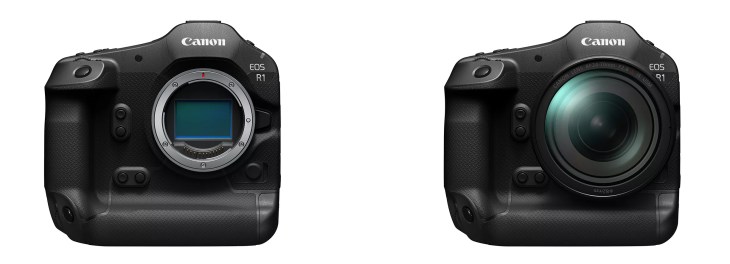
Over the last few years, I have created ISO-specific and Adaptive Noise Reduction presets for the Canon EOS R1, Canon EOS 1DX MK3, Canon EOS R3, and Canon EOS R5 MKII using the traditional legacy Noise Reduction sliders in Lightroom. These time-saving, optimised presets have since been downloaded, tested and adopted by many other Canon users as their working defaults. With the introduction of Lightroom’s new A.I Noise Reduction (and the capability to apply this without creating a new DNG file), the game has significantly changed.
Before we get into the significant advantage Lightroom’s A.I Noise Reduction brings to the table, I just want to apologise for the length of this post. There is a lot to cover, and it is essential to detail the methodology for these presets as well as explain what is actually happening ‘under the hood’ in Lightroom so that you know how to best take advantage of this hard work. Of course, there is nothing to stop you from creating your own presets based on this information. I encourage you to do so if that floats your boat. If you have neither the time nor the patience, then read on…
Since the release of the original legacy presets, Adobe has made a significant and important update to Lightroom, which means the newer and more powerful A.I Noise Reduction algorithm no longer requires the creation of a separate DNG file. This change means I could create a new set of updated presets to take full advantage of the A.I Noise Reduction algorithm without every file needing the creation of a new DNG. After spending a full week locked in my studio, staring at my computer screens and analysing test files in great detail, I have now created optimised A.I noise presets for the Canon EOS R1 using the new A.I Noise Reduction algorithm. These new presets are significantly different to the legacy presets previously released and offer an improved result that takes full advantage of the new A.I algorithm. If you would like to take advantage of these finished and optimised presets (including the test RAW files), you can purchase them through my store, Melrakki Publishing, HERE, for $50 AUD. These presets represent days of work to complete, so I ask that you please support this work by purchasing them if you want to take advantage of them. If you have previously purchased our legacy Canon EOS R1 Noise Reduction presets, you can continue to use these without issue.
Please note: The new A.I Presets do not stack with the original legacy presets, but replace them for those looking for the best possible result. If you were a previous purchaser of our Canon EOS R1 Noise Reduction presets, I am offering a 50% discount on the new A.I presets. Please contact me to receive your discount code before placing an order.
History: I previously included some critical history in the creation of the legacy presets in a detailed and long post HERE. (recommended reading) However, it is very important to note that the new A.I Noise Reduction algorithm significantly changes the game when it comes to Noise Reduction. Most obviously, there is only one Noise Reduction slider to adjust instead of six (more on this below). Whilst this significantly simplifies things, it does mean returning to the very beginning of testing for every single ISO and camera. Hence, we are starting with the Canon EOS R1 (my preferred camera). If time permits, I will get to the Canon EOS R5 MKII and others.
A.I Noise Reduction: A few important notes about how the new Adobe Lightroom A.I Noise Reduction actually functions: A.I Denoise does not include any aspect of sharpening (under the hood). Even as you adjust the slider to the right to perform stronger denoising, the A.I is not actually trying to perform sharpening (but it is trying to preserve RAW details – Adobe’s terminology). It does try to retain the sharpness of the original content as much as possible, and in some cases, this may perceptually appear to be increasing sharpness (because it can be harder to judge the sharpness of the original content with all the noise present, and also because the default legacy NR setting of Colour 25 tends to smear some colours).
Turning on A.I Denoise via the checkbox will automatically turn off the legacy Noise Reduction controls. This is to prevent unwanted ‘stacking’ of A.I and Traditional Noise Reduction. If you are applying Denoise via the new preset, the legacy Noise Reduction is also turned off for you. If you wish, you can always add additional legacy noise reduction on top (although I would advise against this).
Turning on A.I Denoise: When AI Denoise is on, there are two components of AI-based noise reduction happening: luminance and colour. This is similar to the legacy noise reduction with its Luminance and Colour sliders, except that the AI-based one should generally be a lot better (and it is on the Canon EOS R1). The single slider underneath the Denoise checkbox controls only the luminance component of the AI-based noise reduction. The colour component of the AI-based noise reduction is always applied automatically when Denoise is checked, and there are currently no controls for it.
Adobe designed it this way because they found in practice that the AI-based colour aspect of noise reduction worked really well and didn’t need adjustment (I agree with them after significant testing). In contrast, the luminance aspect of noise reduction is always a matter of taste, and a tradeoff between noise and original scene detail (like fur and texture).
A setting of 1 in A.I Noise Reduction does not mean entirely off. Instead, it means that the “luminance” component of Denoise is off completely, but there is still the chroma/colour component of Denoise applied. You can test this for yourself by taking a very high ISO image (at least ISO 102,400 on the EOS R1). Then, manually set the legacy Luminance and Colour NR sliders both to zero, so the image at 1:1 should look nasty with lots of luminance and colour noise visible everywhere. Then turn on (AI) Denoise and set Amount to 1. Then toggle on/off the Denoise checkbox. What you should see is that with the box off, you see both lots of colour and luminance noise on the photo. But with the box checked (and the slider set to 1), the colour noise goes away, and you just have luminance noise left. So, if you want to turn off A.I Denoise completely, just uncheck the box.
It is therefore essential to note that when you set the Denoise slider to its minimum value of 1, it’s basically doing the minimum amount of “luminance” AI-based noise reduction, but a full/automatic dose of “colour” AI-based noise reduction. It is not doing the legacy Colour noise reduction under-the-hood with a default value of 25. It may look like that, visually, for some files, especially at low ISO. But at higher ISO settings you will likely find that the AI-based colour denoise works a lot better at preserving small colour details, like the colours of small flowers, or colours in the eyes of small subjects (think a bird or fox that is smaller in the frame).
Also, while in general I recommend turning off legacy Noise Reduction when using A.I Denoise, there may be some cases where it can be helpful to use a bit of legacy Colour NR in addition to Denoise. This is mostly for very high ISO images, where there may be a bit of residual colour noise left after A.I Denoise (not the case for Canon EOS R1 files at any ISO – your mileage may vary with other cameras). Sometimes this is seen as a low frequency colour mottling (colour blobs that are subtle but visible in what should be smooth areas like solid colored backgrounds. Think out of focus sky or green grass etc). Using legacy Colour Noise Reduction with Colour Smoothness at a high setting can be very effective at taming this residual colour noise. Just be careful with the amount because it can lead to smearing of small colour details.
Canon R1 Performance: If you are only interested in how the Canon EOS R1 stacks up and performs, here is the conclusion: The EOS R1 significantly ups the game with performance that demonstrably exceeds the EOS R3 and EOS 1DX MK3. When comparing EOS R1 high ISO files against either the EOS 1DX MK3 or the EOS R3, it is clear that Canon has made forward strides in high-ISO sensor development. Directly comparing ISO 12,800, 25,600, 51,200 and 102,400 on the EOS R1 to either the EOS R3 or EOS 1DX MK3 shows that the sensor in the EOS R1 retains more fine-textural detail at these high ISO settings. Fine hairs and ultra-fine detail are clearer and more accurately rendered by the EOS R1. The grain structure is also more organic and ‘film-like’, and it appears less ‘digital’ than previously tested cameras. In addition, the EOS R1 files are more malleable and more resilient to abuse of the traditional Lightroom Noise Reduction sliders while producing a more natural result. Extreme settings of these sliders render more pleasing and preferred results than either the EOS R3 or EOS 1DX MK3 sensors. The EOS R1 is also the first sensor tested to facilitate a workable, high ISO of 25,600 without losing detail in real-world RAW files. Based on my testing experience, the EOS R1 represents the very pinnacle of Canon’s digital sensors, with high ISO performance that outperforms any other sensor tested to date. I have no hesitation in personally shooting the EOS R1 at ISO settings up to and including ISO 25,600. As long as your files are well exposed, the EOS R1 can render superb results that retain ultra-fine detail even at this extreme ISO.
Methodology: Over the last week, I have done extensive testing and analysis in creating these A.I ISO-specific noise reduction presets for the Canon EOS R1. To make them, I photographed a large X-Rite Color Checker (A4 video version) in a D6500 light-controlled graphic light workstation with the Canon EOS R1 and an RF 85mm f1.2 L series lens at f5.6 at every single ISO stop from 50 to 102,400. Technically, you can push the EOS R1 to H1 ISO 204,800, and the ultra-extreme H2 to ISO 409,600, but RAW files at these extreme ISO settings break down so badly that it is little more than a marketing gimmick. Thankfully, this extreme ISO range is disabled by default in the EOS R1, and that is how I suggest you leave it – permanently. For the curious amongst you, there is no saving ISO 409,600. Even ISO 102,400 should be used as an absolute last resort. Whilst ISO 50 is an option on the Canon EOS R1 and has no noise of consequence, it does have a more limited dynamic range (approximately one stop less) than ISO100 and, as such, is not recommended. You are better off using a Neutral Density filter if you need to shoot at ISO lower than 100. All of that said, the presets do include Noise Reduction for the full ISO range from ISO 50 all the way to ISO 409,600.
1/3rd stops are ‘push’ or ‘pull’ ISO stops that use in-camera software ‘under the hood’ to adjust the exposure +/- 1/3rd of a stop accordingly. As such, I never use 1/3rd stop ISO increments and have my EOS R1 cameras set to full stop ISO only. I also find that when I am shooting in the field, I prefer one click to go from ISO 400 to 800, for example, instead of having to make multiple clicks to gain a stop of light. Noise Reduction presets are included for 1/3rd stop increments for those who like to shoot this way or who prefer to shoot Auto ISO.
Aperture priority was used meter as read (no exposure compensation), and only the ISO and shutter speed were varied. The X-Rite Colour Checker was used as it enabled me to carefully monitor and check for noise in the shadows, and because I wanted to be able to check for individual colour shifts, mottling, speckling and bleeding at each specific ISO in very specific colours. It should be said that any differences in colour shift would, in all likelihood, not be visible in normal photographic scenes, but using the X-Rite Colour Checker makes it far easier to visually detect shifts or bleed in colour and thus makes it far easier to apply optimal noise reduction in Lightroom.
The RAW files were imported into Lightroom with the Adobe Colour Profile and carefully analysed at 100%, 200% 400% and 800% magnification. Unlike sharpening, which must be gauged at 1:1 100% magnification, Noise Reduction requires additional zooming. I spent the better part of the week just staring at these RAW files at different magnifications and visually comparing them side by side as I tweaked the A.I Noise Reduction Slider for each ISO. The goal was never to make ISO 102,400 look as good as ISO 100 (that is not possible – but we can get close with the new A.I NR!); instead, ISO 100 was used as a reference point for all other ISO RAW files to be compared. Then, the sliders were adjusted for each full stop of ISO difference. In other words, the goal was to make ISO 200 look as close as possible to ISO100, ISO 400 as close as possible to ISO200, etc., all the way up to making ISO102,400 look as close as possible to ISO 51,200. Once this was done and checked I then went back and compared the results two full ISO stops difference and then three full stops difference and tweaked further. Finally, I rechecked my settings and results over a period of days to satisfy myself that I could not optimise them further. It is worth noting that ISO 102,400 and above are the most difficult ISO ranges to make look ‘good’. Hence, they have the highest amount of A.I Noise Reduction in the preset. Even with this optimised pre-set for ISO 102,400, I strongly encourage you to avoid this ISO and the ultra-extreme H1 and H2 ISO settings at all costs. In real, practical terms, I recommend setting a virtual ceiling of ISO 25,600. Exceed 25,600, and fine details begin to get lost. At ISO 51,200, fine detail and texture continue to disappear, although it’s arguable if this will be visible in well-exposed real-world captures. In actual, practical, day use, I try not to exceed ISO 12,800 with the EOS R1 and prefer to shoot at ISO 400 as my baseline. I will happily go to ISO 25,600 before I start worrying too much about noise, with ISO 51,200 being my absolute ceiling. It is worth noting that all of the above is contingent upon a well-exposed RAW file. If you underexpose your file the results will likely be quite different.
I used two high-end displays to visually analyze the RAW files: the BenQ SW272U, which I reviewed HERE, and an Eizo Colour Edge CG2700X. Both displays are high-end Adobe RGB, 4K, and were optimally calibrated to D6500K with a setting of 80 candelas, which is appropriate for the light levels in my viewing studio. I utilised two different monitors as I discovered that different displays render slightly differently, and it was necessary to optimise and average across the different monitors. It should be noted that if you are using a laptop screen, you are at a very significant disadvantage in rendering colour and analysing noise. In fact, making any sort of colour-critical decisions on a laptop display is a terrible idea. If you do not own a high-quality photographic display and care about your images, this should be your next purchase.
Noise Reduction and ETTR: When setting the A.I Noise Reduction Slider I deliberately erred on the side of caution and was very intentionally cautious and judicious in the amount being applied. The primary reason for this is I did not want overly aggressive noise reduction in these pre-sets. Since exposing to the right (ETTR) is optimal in the field (without clipping the highlights), tweaking the exposure down in Lightroom during post-production results in lower levels of noise than under-exposing or even exposing ‘meter as read’. In other words, the presets are optimised for RAW files that were optimally exposed in the field. If you are applying these presets to an under-exposed photograph that you are ‘brightening’ considerably in Lightroom, you may well need to apply additional noise reduction. Thus, the presets will work optimally when you have exposed optimally in the field.
Camera Profiles: Adobe encountered difficulties building camera-specific profiles for Canon models (including the EOS 1DX MK3 and R series cameras) due to the switch to the new CR3 file format. Adobe has since resolved this issue and resumed offering camera-specific profiles. For these presets for the Canon EOS R1, I used the standard default Adobe Colour profile. I recommend not getting too hung up on Camera profiles, as changing profiles may improve the look of specific files in certain situations, but once you start adjusting the processing dials in Lightroom, all bets are off as to which may give a better result. Since ‘Adobe Colour’ is the default, it made sense to use this as the baseline for the Noise Reduction presets.
Sharpening Amount: Unlike the legacy Noise Reduction presets, NONE of the A.I NR presets include any Sharpening above the default setting of 40. Historically, it was necessary to add sharpening to counter the digital smoothing of the legacy NR sliders. This is because sharpening and noise reduction are interactive and affect each other (that is why they appear together in the Detail panel of Lightroom). In testing the new A.I NR I found that there is no longer a need to apply any sharpening to counter the digital smoothing caused by the A.I NR. The ‘RAW Details’ preservation, which is selected by default, performs sufficiently well. Note: You will still need to add additional capture sharpening to your file. The amount of capture sharpening you will need to apply will vary depending on the quality of your lens, the sharpness of the capture and the atmospheric conditions at the time of capture.
Canon EOS R1 Comments: With the ISO-specific Adaptive A.I noise reduction pre-sets applied between ISO 100 and ISO 3200, there is no appreciable difference in noise in real-world RAW files – they are close enough to be considered identical at 100% magnification. By ISO 6400, only the tiniest minute surface texture, discernible at 400% or more magnification, is just starting to disappear (You would never ever notice this in real-world captures and have to really look for it at extreme magnification). At 100% there is no discernible difference between ISO 3200 and ISO 6400. By ISO 12,800, ultra-fine surface textures are just starting to disappear from the RAW file when viewed at 200% or more on-screen (again, you will never notice this in real-world captures). At ISO 25,600, the finest surface textures disappear, and ultra-minute fine detail also starts to disappear. Fine hairs are still visible and look good, but the finest ultra-minute detail is now obscured. Again, you will not notice this in real-world RAW captures (You really have to look for it in a test image at 200% or more magnification). Nevertheless, my recommendation is that ISO 25,600 is a realistic, workable limit. Above ISO 25,600, both texture and fine detail continue to disappear as the ISO increases. ISO 51,200 has a noticeable loss in ultra-fine detail compared to ISO 25,600. At ISO 51,200 the finest surface textures are gone. The smallest fine hairs are no longer visible and are lost in the increased grain structure (which remains organic). Toward the top end at ISO 102,400 we have lost most surface texture and most fine hair detail. ISO 102,400 is an absolute last resort and is to be avoided at all costs. I strongly recommend you leave ISO 102,400 disabled and set your absolute ceiling at ISO 51,200 with a realistic limit of ISO 25,600. The presets do their best to make ISO 102,400 look as good as possible, but in reality, there is no helping ISO 102,400 and above.
Lightroom A.I Noise Reduction Note: The AI NR in Lightroom does a significantly better job than the traditional manual legacy sliders. Whilst the manual legacy sliders provide a great starting point from which to assess a file, the correct application of the A.I NR does improve things considerably. You can see this in the screenshot below, where colour bleeding is evident in this extremely high ISO file with the legacy sliders, but the comparison image shows almost no colour bleeding whatsoever with the A.I NR applied.
Observations with A.I Noise Reduction and EOS R1: When adjusting the A.I NR slider, it is easiest to see apparent noise in the most saturated reds, purples and blues in the X-Rite colour checker chart. Generally, the darker colours show more obvious luminance noise compared to the lighter colours. The cyans, greens and yellows, for example, typically show less noise for the same given ISO. Thus optimally setting the A.I NR slider is a bit of a balancing act, depending on colour preference or bias. For these presets, I have optimised across an average without giving preference to one colour over another. These differences would never be seen in a real-world RAW file and are only apparent on close observation of the colour checker at magnification of 100% or greater.
Raw Details: It is also worth noting that Lightroom A.I NR does an outstanding job of preserving fine textural details. It actually does a much better job than the legacy NR sliders because it attempts to preserve ‘RAW Details’. By default, ‘RAW Details’ is ticked when you apply A.I NR and cannot be unticked. The A.I NR cannot recover details it doesn’t see however and small fine details that are lost in the noise before applying A.I NR will not be restored (and no amount of sharpening will recover them). However, the good news is that the A.I NR does a truly exceptional job of preserving the details it can see.
Demonstrable Visual Results: In case you are wondering why I have not dotted this long post with visual examples comparing various ISO’s pre and post-ISO specific noise preset, it is because the images, once converted to jpeg and resized for the web, are not representative of the RAW file results. Conversion to jpeg and downsizing to something suitable for the web has a very significant effect on the visual noise in an image. Downsizing removes visible noise, which significantly distorts the visual results. However, I have included a copy of all the RAW files I photographed of the X-Rite Colour Checker in the creation of these presets from ISO 50 to ISO 409,600 so you can visually see the differences yourself. Just import the RAW files into Lightroom, apply the presets and do a before/after comparison. You may need to zoom in to 200%, 400% or even 800% to see differences. For those who still want to see a visual example: The below screen grab shows an indicative before and after left/right comparison of ISO 25,600 at 100% with the new A.I Noise Reduction preset applied. Just note: the results are distorted by the downsizing and conversion to JPEG.
Conclusion: Creating these A.I ISO-specific noise reduction presets for the Canon EOS R1 was a worthwhile investment in time and energy. It has been very educational (although time-consuming), and It should considerably speed up any workflow for someone that is shooting with this camera, as the presets can be applied on import (see warning below). As they are ISO specific, Lightroom will then apply them correctly to each different ISO file you import. Since significant time and effort went into optimising these presets, you will not have to worry about whether you are setting your noise reduction optimally. Just make sure you expose optimally in the field, apply the preset on import into Lightroom, and you can then focus on processing your photograph. Just remember, you still need to apply an appropriate level of capture sharpening for your RAW file. Happy processing!
Warning: A warning if you are going to apply these new presets on import: A.I Denoise is extremely processor-intensive. Even on a very fast computer, it can take upward of five seconds per image. If you are importing from a big shoot of say 4000 photographs, for example, this will send your computer’s CPU into overdrive (as well as your power bill) and could take a very long time to process! In this example, that’s 20,000 seconds or 333.333 minutes or 5.55 hours! Instead of applying to all your photographs on import, I suggest you apply the preset only to those photographs you wish to process after import. If you are a user of our legacy NR presets then you can continue to apply these on import as a ‘starting point’ and then apply the new A.I Preset to any photograph you actually want to process. When you do this, the old legacy NR will be turned off automatically for you.
I’ve recently returned from leading our White Horses of the Camargue Photography Workshop in France. This workshop was our first workshop in this region of France and was a wonderful photographic experience, very different to the usual polar environment we thrive in. The blend of horses, water, light and the quiet poetry of watching these animals thunder across the shallows, salt spray rising around them like mist made for both superb photography and a powerful experience.
For those unfamiliar, the Camargue region of southern France is a vast delta of wetlands, salt flats, and shallow lagoons stretching between the arms of the Rhône River. It is home to one of the most beautiful and iconic equine species on Earth: the White Horses of the Camargue.
Our days began early on this workshop, before the sun crested the horizon over the marshes and dunes. The Camargue mornings are soft and cool, with a delicate veil of sea mist that lifts slowly as dawn warms the air. The white horses, often coated in a thin film of mud and salt, move with a kind of effortless grace that makes them a joy to photograph.
Each morning session began around sunrise, when the light is at its most gentle and the air still carries that quiet, expectant hush. Working alongside local horsemen, we positioned ourselves in the shallows, cameras poised, waiting for that moment when the herd would burst forward. The water exploded around them in a dance of energy and light, droplets suspended midair, manes flying. Other mornings, we worked with quiet back-lit silhouettes of the horses and riders on the coastal dunes.
This is where the challenge and reward of this workshop lie: balancing the chaos of motion with the artistry of composition. The horses move unpredictably, their power raw and untamed. Yet within that wildness, there are fleeting instants of perfect geometry — a raised hoof, an arched neck, a shaft of light catching an eye.
This workshop provided an opportunity to experiment with shutter speeds, angles, and focal lengths. The longer focal lengths — 200 to 500mm allowed for intimate compression and detail, isolating expressions and motion within the herd. Those working wider (myself usually between 70 and 200mm) could capture the full scale and energy of the group, the interaction of light, water, and form.
By late morning, we’d return to our base, a relaxing and comfortable hotel nestled not far from the reeds and salt fields. The smell of sea air mixed with the warmth of croissants and coffee as we gathered for breakfast. Later in the day, we met at 2 p.m. for image review sessions as well as camera settings and a discussion on how to improve our work further.
Image review sessions are one of my favourite parts of any workshop: the opportunity to look, to learn, and to refine. Photography isn’t simply about pressing the shutter — it’s about seeing, about understanding why an image works (or doesn’t), and about finding your own visual voice within the chaos of the natural world.
We reviewed sequences from the morning sessions, discussing everything from exposure balance in backlight to maintaining focus on fast-moving subjects. We explored the creative use of motion blur, the subtle influence of angle and height, and the compositional language that helps translate energy into elegance.
Participants discovered that some of their most powerful frames were not the obvious, high-action shots, but quieter moments — a horse pausing, droplets falling from its mane, or the soft glow of dusk reflected in its eyes. The Camargue offers both spectacle and subtlety, and the ability to shift between the two is what separates documentation from artistry.
Our evening sessions began as the sun dipped toward the horizon. The light in the Camargue at this hour is extraordinary — low, warm, and honeyed. Dust and moisture in the air turn the landscape golden, and as the horses move through the shallows, they seem to ignite with the glow of the setting sun.
Here, we worked to capture action shots, the fine spray of water turned to gold, and the luminous quality of light that defines this region. It’s both technically demanding and deeply rewarding. A fraction of a second can mean the difference between a good photograph and one that truly transcends.
Between moments of intensity, there were long, quiet stretches where the only sounds were the gentle lapping of water and the distant call of flamingos. These are the moments when the experience becomes something larger than photography — a meditation on movement, nature, and the passage of time.
The Camargue horses are unlike any others. They are smaller and more muscular than most breeds, their coats turning near white with age. They are strong, intelligent, and deeply connected to the land and the people who care for them. Photographing them is as much about respect as technique. The traditional horsemen of the region play a vital role in this workshop. Their deep bond with the horses and their skill in managing the animals allow us to photograph authentically, without artifice. The scenes we capture are not performances, but natural expressions of an age-old relationship between human, horse, and landscape.
One of the strengths of this year’s workshop was the variety of conditions we encountered. From luminous mornings of perfect silhouettes to evenings washed in rich, copper light, every session offered new opportunities. We photographed the horses in open lagoons, beaches, dunes, and salt marshes, as well as against textured backgrounds of reeds and sand. Each location demanded a slightly different approach — different focal lengths, exposure settings, and timing. It was this diversity that gave participants the chance to build a truly comprehensive portfolio by the end of the week.
By the time our final evening session faded into dusk, each participant had grown not only in skill, but in sensitivity to the rhythm of the moment. As I watched the last of the light dissolve into the horizon, I was reminded that these horses, wild in spirit yet gentle, embody something timeless — a spirit of freedom and grace that refuses to be tamed. Capturing that essence is a privilege. As we packed our gear and shared one last meal under the warm southern sky, there was a quiet sense of completion.
The White Horses of the Camargue will always hold a special place, not just for their beauty, but for what they represent: wildness within reach, grace within chaos, and the eternal dance between light, subject, and photographer. Until next time — au revoir, Camargue.
Earlier today, I received a wonderful, unsolicited email from frequent traveller and photographer, Kevin Hall. Kevin has been a frequent traveller with Wild Nature Photo Travel in recent years, and his work from our trips has been published by both the BBC and BBC Travel. We live in a fast-paced, chaotic world today, where people rarely take the time to provide positive feedback or express gratitude, so I wanted to take a moment to publicly thank Kevin (thank you, Kevin) for taking the time to offer such wonderful feedback. From my perspective, it has been wonderful to share these experiences and to see your work published and in print from such high-profile organisations as the BBC.
“If you are reading this, you will probably be doing so because you are considering going on a workshop with Joshua Holko, and want to know what other photographers think.So let me tell you how it is… Joshua Holko is out to mislead you. He calls his trips ‘photography workshops’, as so many in the industry do. Well, I can tell you, as someone who has been on eight of his ‘workshops’ in 2023-25 and signed up for two more in 2026-27, that they are not ‘workshops’, as the term ‘workshop’ simply does not do what Joshua Holko delivers anywhere near justice. So don’t be fooled when he uses the term ‘workshop’!
If you sign up for a trip with Joshua Holko and Wild Nature Photo Travel, you get the ‘Big 5’ …
Practical support from the best polar photographer on the planet.
From the time you sign up to the time you return, Josh deals with you personally. He will answer any question you put to him regarding any aspect of the trip whether you require clarity or advice, with impressive speed providing he’s not out of signal travelling. He will willingly pass on his experience based on his 20+ years of travelling to and photographing in some of the remotest places on Earth. He is a man of integrity who provides honest, objective and helpful support and advice. He’s also very passionate about what he does, and that comes through if you are one of his clients.
Detailed packing lists sent out well in advance so you have time to prepare properly.
After all, most of his trips take you to some pretty isolated locations with extreme temperatures that few on the planet will ever get to see, so it is critical that you take the right equipment, be that clothing or gear, that will allow you to make the most of it. Imagine going on what might be for you the trip of a lifetime and forgetting a vital item of clothing or gear!
Excellent logistics.
Let’s face it, travelling to some of the locations on his list is not for the feint-hearted and impossible to do on your own. It would be fool-hardy and dangerous to try. Joshua Holko’s trip logistics are comprehensive and impressive at every level. He thinks of everything and releases you from this burden so you can focus on your photography and enjoying the experience. His trips attract a certain kind of person; generally people who are passionate about their photography, interesting to be around and good travelling companions. And that matters when you are with people in close quarter for many days or even weeks at a time. Many people who go on workshops with Josh have been on many workshops with Josh, and that speaks volumes in itself if you think about it.
Getting your bucket list shots by placing you in the right place at the right time, with your photography and your safety as his number one priority.
Josh is quite incredible in this regard. He won’t be found talking to camera for a YouTube video that he needs to post whilst you are in the field photographing. He is not a YouTuber. Similarly, he won’t be standing over you interfering with your photography. But he will be leading you in the field to where you will get the best shots and assist with any settings if asked. He will be photographing on the floor alongside the group, not in a ‘directors chair from afar enjoying a coffee’! And this is probably what I like the most about travelling with Josh; he lets you realise your own creative abilities by inspiring you with his knowledge and experience of all matters photography, wildlife and nature.
And lastly an immersive ‘life and photographic experience’ that provides the opportunity for you to grow as a person and photographer. Indeed, I personally think ‘photographic life experience’ far better describes what you get when you travel with Joshua Holko. Never did I think that I would go to East Greenland on a 100 year old Dutch sail ship to take photographs of monumental icebergs that subsequently be published by the world’s leading on-line Fine Art magazine, or ride on a dog sled driven by an Inuit over pack ice to one of the remotest places on Earth to photograph polar wildlife and landscapes with an article that I subsequently wrote about the trip being published by BBC Travel, or spend nearly three weeks in the High Arctic photographing polar bears. But I did, and have come back with some amazing life long memories and award-winning photographs.
There is one more thing I would like to add, and that is that I have never met anyone who is more knowledgeable about wildlife, nature and photography than Joshua Holko. He truly is a master in his field. His post processing knowledge of Adobe is also incredible and he will willingly sit alongside you during the trips to help you edit photos, again if you ask him, or sometimes will lead an impromptu class on editing if there is a desire by the group for him to do so. So in summary, I have no hesitation in recommending Joshua Holko’s ‘life and photographic experiences’ to you. Your only question should be ‘which one?’ And if it is, why don’t you do what I did when I first looked at his website, and that is ‘ask Joshua Holko’? I guarantee you will be amazed with what comes back!
Note: This testimonial has been written by me. I offered to provide it; I was not asked by Joshua Holko, and Joshua Holko has had no involvement whatsoever in what I’ve said. These are my words and my thoughts alone. And if you would like to see some of his influences on my work, please check out my website and look at Galleries and Featured Location. https://kevinhallphotography.co.uk
With best wishes, Kevin (Photo Credit Below: Kevin Hall).
Tomorrow, I am leaving Sweden for the last European workshop of the year, the White Horses of the Camargue in France. This sold-out workshop has been something I have been looking forward to for a very long time now. Actually, ever since I saw images of the horses more than a decade ago in an early tutorial Canon published on how to use their Digital Photo Professional software. I was never enamoured with Canon’s DDP software, but the images of the charging horses stuck in my mind, and I am excited to have my own opportunity to photograph these beautiful horses very soon, alongside all the participants on this trip. To be clear, there are not wild horses we are going to photograph. These are domestic, trained horses, and this is an opportunity to practice, hone and perfect techniques that can be applied to wildlife.
I am somewhat saddened that Canon was unable to supply me with the 100-300mm f/2.8L RF IS lens in time for this workshop (before I left Australia in August), as I feel this would have been the ideal glass for the occasion (fast and the perfect focal range). As such, I am packing both the 70-200mm f2.8L IS and the 400mm f2.8L IS. The 100-300mm is now waiting for me at Canon in Australia and will be joining my arsenal of lenses for next year’s workshops. I am particularly keen to put this lens to use on my Arctic Fox workshops in northern Iceland early in the year.
After I finish in France, I will head back to Sweden for a few days before wrapping up my European stay for the year and returning to Australia for the summer. The last workshop of the year will be to Antarctica for the Emperor Penguins in November before we kick off the 2026 year! I will write more about what is coming up in 2026 in a separate post later this year.